
1
Send an email
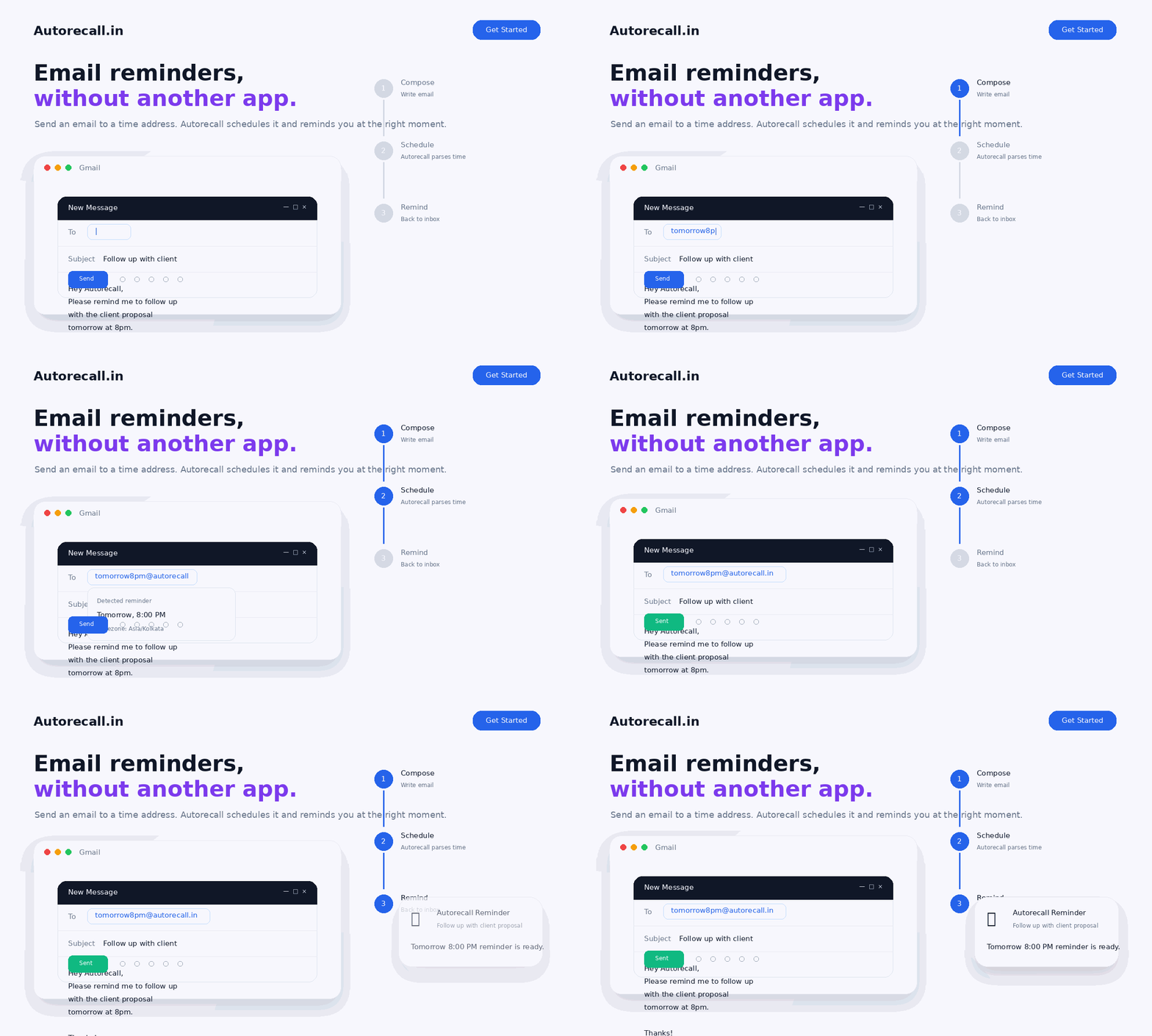
Write your message normally and send it to a reminder address that matches when you want it back.
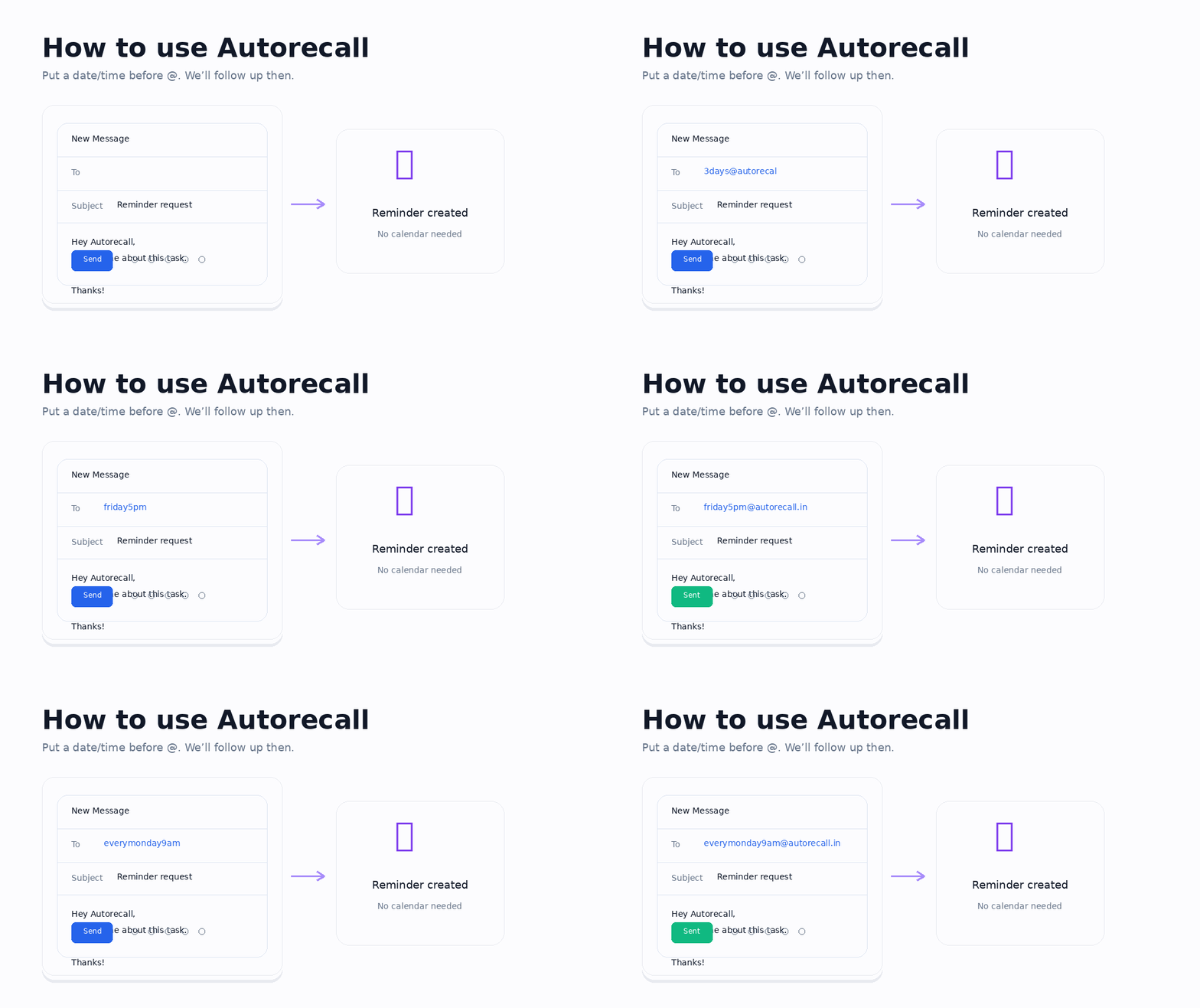
Send an email to a time address. Put the date or time before the @ sign. We'll remind you then.
No calendar juggling. No extra app. Just email the reminder you want.
Three simple steps
The flow is intentionally lightweight so you can schedule reminders inside the same email habits you already use every day.
Write your message normally and send it to a reminder address that matches when you want it back.
Autorecall reads the timing in the address, stores the reminder, and keeps the process out of your way.
Your message returns at the exact moment you asked for, ready to help you follow up, reply, or act.
Reminder formats
Minutes, days, weekdays, and recurring schedules can all be written directly before the @autorecall.in part.
When to use it
Autorecall stays flexible enough for sales, operations, personal reminders, and repeatable team workflows without adding another tool to learn.
Quietly remind yourself to nudge people when a thread deserves another look.
Keep momentum on proposals, intros, and next steps without manual calendar entries.
Send instructions now, then have the reminder return when it is time to check progress.
Move messages out of your head today and let them come back when they actually matter.
Stay consistent with clients, partners, and friends through low-effort recurring outreach.
Turn a simple address format into a repeatable workflow that keeps future actions on track.
Schedule reminders for bills, forms, ideas, or anything else that should revisit your inbox later.
Coordinate handoffs and shared tasks with email-based reminders everyone already understands.
Keep recurring check-ins alive with formats that feel natural and fast to type.
Smart parsing
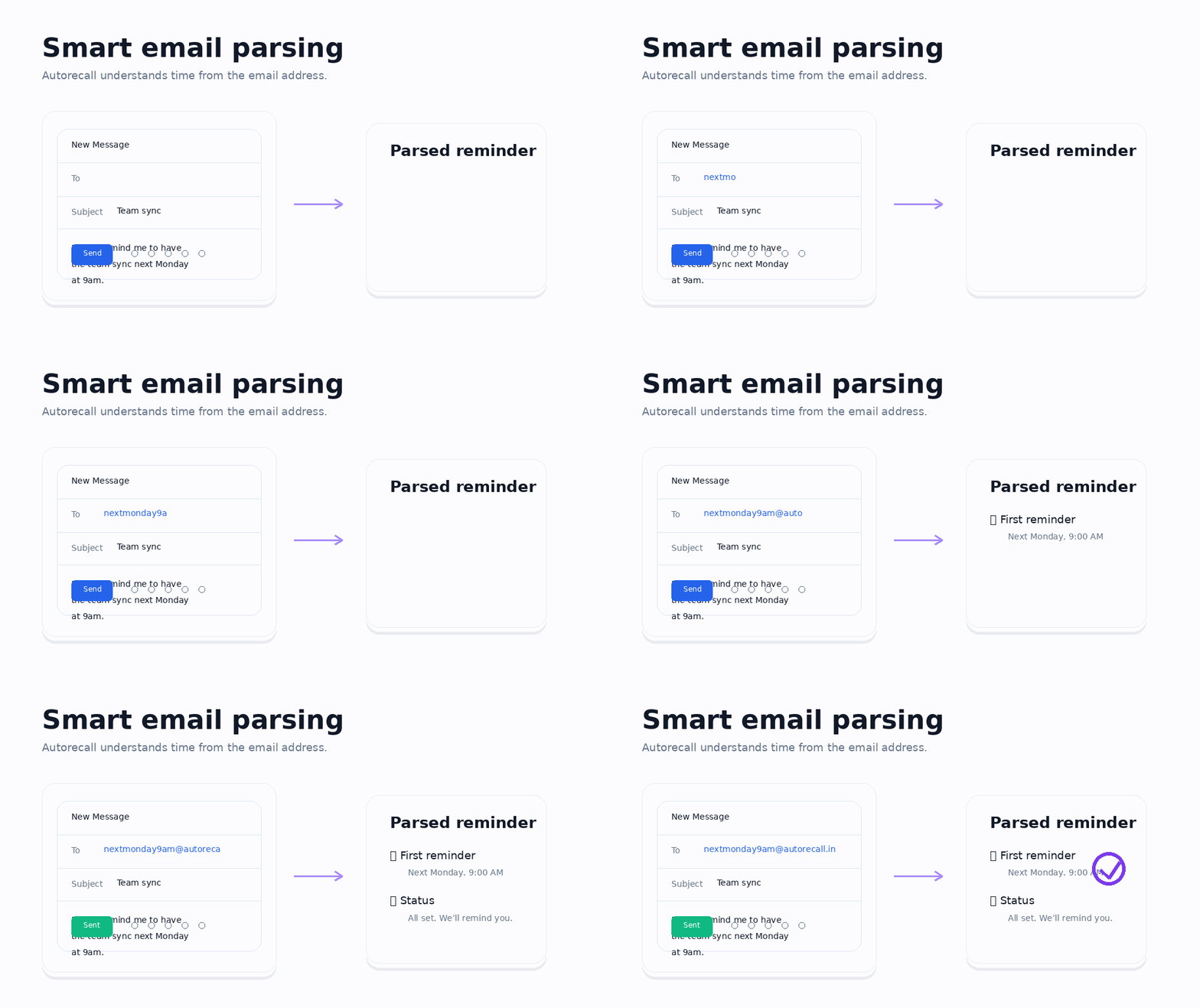
Autorecall is designed to understand reminder addresses that feel intuitive, whether you are scheduling a quick nudge, a weekday follow-up, or a recurring check-in.
Dark showcase
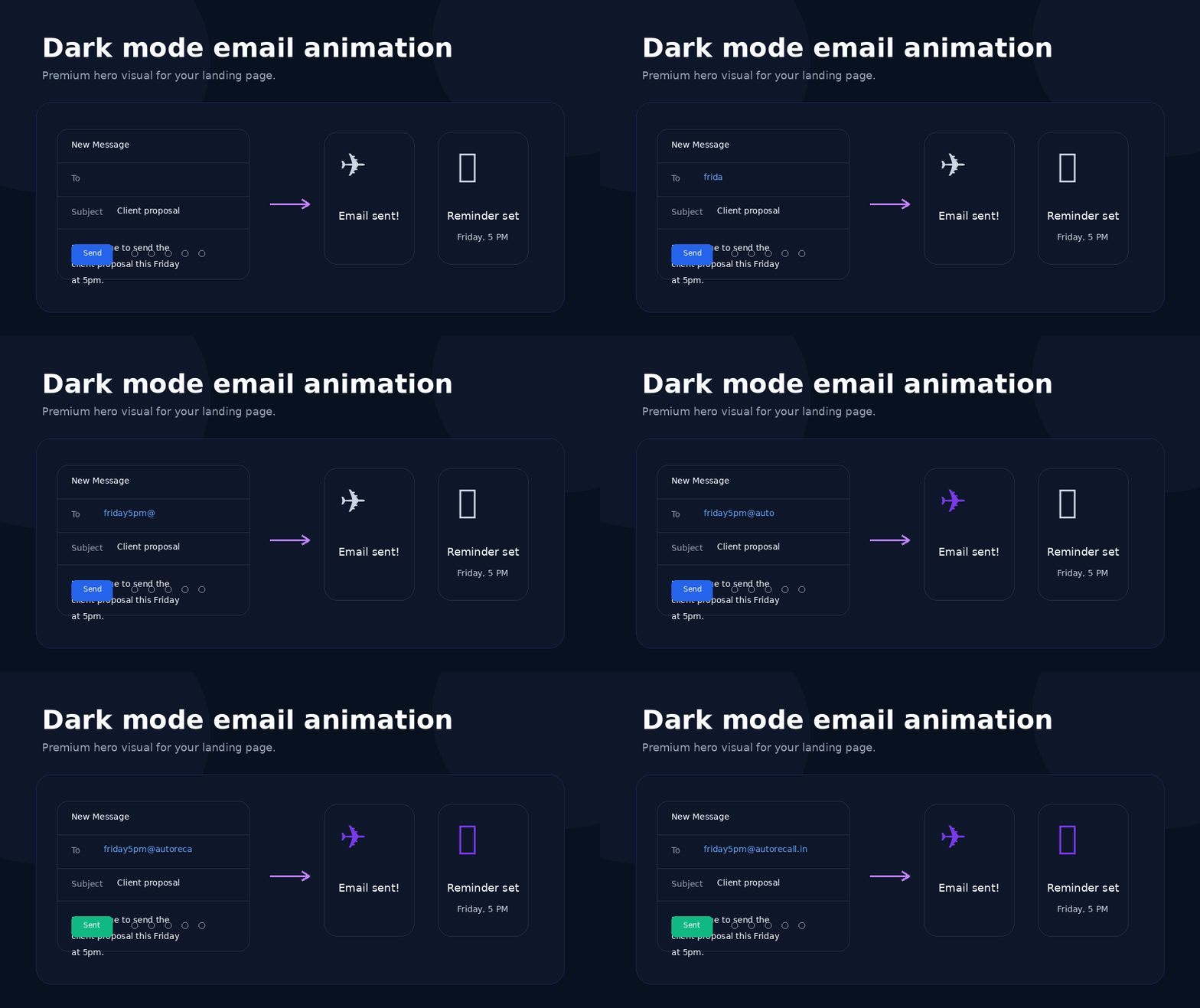
From first send to final reminder, Autorecall keeps the experience clean and readable so the timing stays obvious and the next action stays close at hand.
Why teams trust it
Autorecall stays centered on email so setup stays minimal and the experience feels familiar from the first reminder onward.
Your reminders are handled with a privacy-first mindset so your follow-up flow stays yours.
Use the inbox you already have. Autorecall fits into existing email habits instead of replacing them.
There is nothing extra to install before sending your first reminder address and getting value.
Start sending reminder emails in minutes and let Autorecall bring the right message back at the right time.